Accidental Spycraft: Listening to my CPU's Secrets via EMF Leakage
The “Karaoke” Discovery
This project started as a complete accident. I wasn’t looking for zero-days or hardware vulnerabilities; I was just trying to set up a karaoke session.
I connected a Fifine USB microphone to my iPad Pro (M4), cranked the gain to max, and put on my AirPods Pro with Noise Cancellation to monitor the audio. Suddenly, I heard it—a strange, digital whining noise. It wasn’t random static. It changed pitch when I moved my mouse. It stuttered when a video buffered.
I realized I wasn’t hearing audio; I was hearing the Electromagnetic Force (EMF) of my MacBook’s internal components. The unshielded mic coil and USB cable were acting as an accidental antenna, picking up the electromagnetic interference (EMI) generated by the laptop’s voltage regulators and data buses.
As an MS Cybersecurity student with an offensive security mindset, I immediately pivoted: Could I fingerprint specific computer activities just by listening to this noise?
The Setup
I designed a simple experiment to isolate the “sound” of different computing tasks.
- Target: MacBook Pro (M3 Pro Chip)
- Receiver: iPad Pro 12” (M4) recording via Voice Memos/Camera
- Antenna: Fifine USB Microphone (positioned near the MacBook’s CPU/VRM area)
- Visualization: Sonic Visualiser (for Spectrogram generation)
🎧 Recommendation: To hear the specific frequencies discussed below, wired headphones or high-quality IEMs are highly recommended. The signals are subtle and may be lost on phone speakers.
Experiment 1: The Sound of UDP (8K Streaming)
I started by streaming MKBHD’s 8K Forza video on YouTube. YouTube streaming (QUIC/UDP) is relentless.
The Hypothesis: The CPU and Network card would be under a heavy, constant load, producing a steady EMF drone.
Analysis: Listen closely to the video above. You will hear a sharp, distinct onset of noise the moment the 8K stream begins, followed by a sudden silence when I pause it.
The spectrogram below visualizes this. Note the solid, high-frequency block of noise. It is consistent and unyielding, much like the UDP protocol itself—fire and forget.

Experiment 2: The Sound of TCP (10GB Download)
Next, I downloaded a 10GB test file from Hetzner. Unlike UDP, TCP requires a “handshake” and constant acknowledgement of received packets.
Analysis: The audio signature here is distinctly different from the UDP test. If you listen closely, you can hear a “rhythm.”
The spectrogram confirms this with vertical gaps or “teeth” in the frequency map. This likely corresponds to the TCP Windowing mechanism—the computer receives data, processes it, sends an ACK, and briefly waits for the next window.

Experiment 3: The Touchpad Interrupt
This was the most surprising discovery. Simply touching the trackpad created a massive spike in the signal.
Analysis: This is a classic hardware interrupt. Every time my finger touches the pad, you can hear a squeal. When my finger leaves, it stops.
The visual data shows these as sharp, transient spikes. This proves that even non-networked activity leaks physical information via the change in capacitance or CPU interrupt handling.
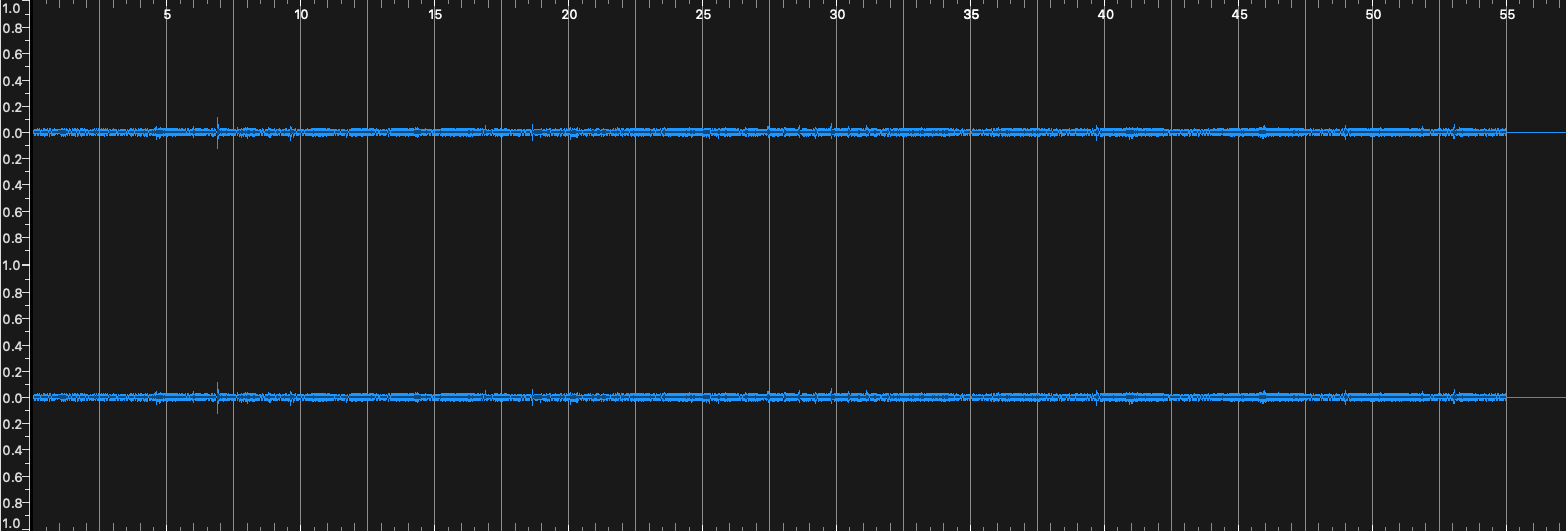
Experiment 4: iPerf3 Flood (Synthetic Load)
To get a baseline for “maximum noise,” I ran an iPerf3 flood from the Mac to a Kali Linux VM (running on VMWare Fusion via Bridged Adapter).
iperf3 -c 10.0.0.251 -t 60 -b 10000M
Analysis: This test generated the most aggressive noise floor, serving as a useful baseline for what “100% network load” sounds like in the EMF spectrum.
Furthermore, if you listen very closely to the audio, you can actually hear distinct peaks corresponding to every individual iPerf burst as the packets are blasted out.

The “So What?” (Implications)
This experiment is a low-budget demonstration of a Side-Channel Attack.
In a high-security environment (like an air-gapped facility), a bad actor wouldn’t need to install malware on a computer to know what it’s doing. They could potentially hide a high-gain receiver in a wall or a desk lamp and “listen” to the EMF leakage to determine:
- Is the computer idle or active?
- Is it downloading large files?
- Is the user typing or moving the mouse?
While I’m not a physics expert, this project validated that hardware leakage is real, and with surprisingly cheap equipment (a karaoke mic!), we can visualize the invisible data flowing through our devices.
What’s Next: The PC Frontier
My curiosity is now officially hooked. While the MacBook Pro provided a clean testing ground, I have already started preliminary tests on my main desktop rig (Ryzen 7700X + RTX GPU), and the results are even more chaotic.
From my initial “listening” sessions, I have already identified distinct signatures for:
- SSD Read/Writes: High-speed NVMe operations have a very specific “scratchy” texture in the EMF spectrum.
- GPU Workloads: The difference between a CUDA core load and a memory-heavy texture load is audible.
- The POST Sequence: Listening to the motherboard power on and cycle through the POST (Power-On Self-Test) sounds like a robotic handshake.
- PSU Strain: The Power Supply Unit emits the most distinct, aggression-filled whine when pushed under heavy load.
I plan to document these findings in a future post, diving deeper into how different hardware architectures leak information differently. This accidental discovery has opened a rabbit hole I intend to explore fully.
📂 Data & Resources
For those interested in analyzing the raw data, I have uploaded the original .wav files and high-resolution spectrograms.